> For the complete documentation index, see [llms.txt](https://wiki.thescriptersguild.com/llms.txt). Markdown versions of documentation pages are available by appending `.md` to page URLs; this page is available as [Markdown](https://wiki.thescriptersguild.com/knowledge/forge/guides-and-info/pelican-drops-on-forge-maps.md).
# Pelican Drops on Forge maps
How to implement functional Pelican Drops on Forge maps using specific object properties and Firefight mode settings.
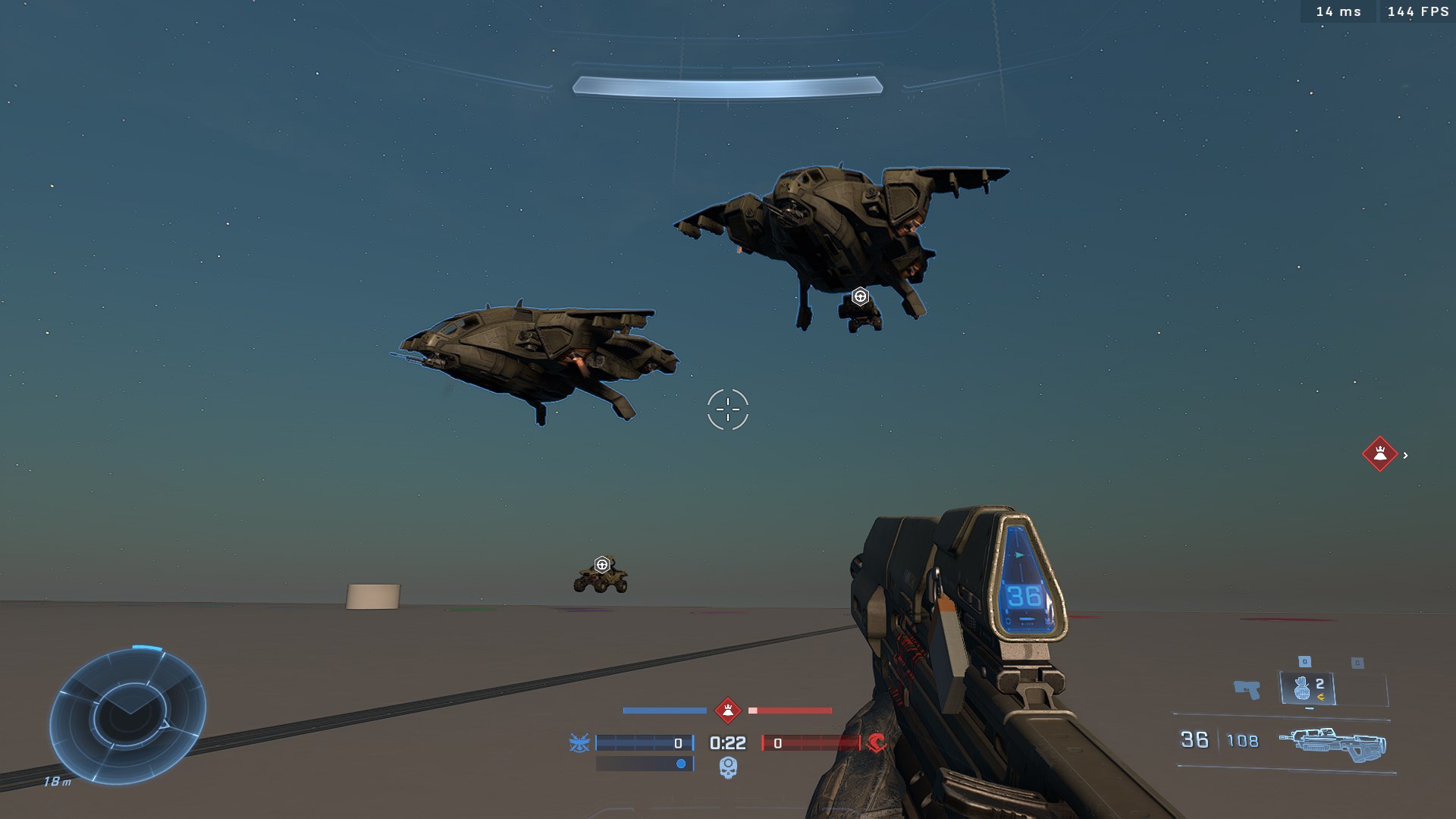
While Pelican Drops are typically associated with specific game modes, they can be integrated into Forge maps through a specific combination of object configurations and Firefight mode settings.
## Implementation
To enable Pelican Drops on a Forge map, several environmental and mode-specific conditions must be met.
The Pelican Drop object can be placed on a map to initiate a drop sequence.
### Setup Requirements
For the drop to trigger successfully, the following setup is required:
* A "Pelican Drop" object must be placed on the map (hidden object).
* The map must be loaded using a Firefight mode (any Firefight variant works).
### Object Properties
The Pelican Drop object requires specific properties to function as intended. The Cargo Drop Type must be set to "Exact Drop." Other relevant properties include:
* **Spawn Properties**: Default
* **Symmetrical Channel**: AirDrop Alpha
* **Selective Channel**: AirDrop Alpha
* **Drop Range**: 3.00
A prefab with a fully set up Pelican Drop object can be found here: [Pelican Drop](https://www.halowaypoint.com/halo-infinite/ugc/prefabs/0c3e683d-e324-4b2a-95c8-71fdf6740c18)
## Mode Configuration
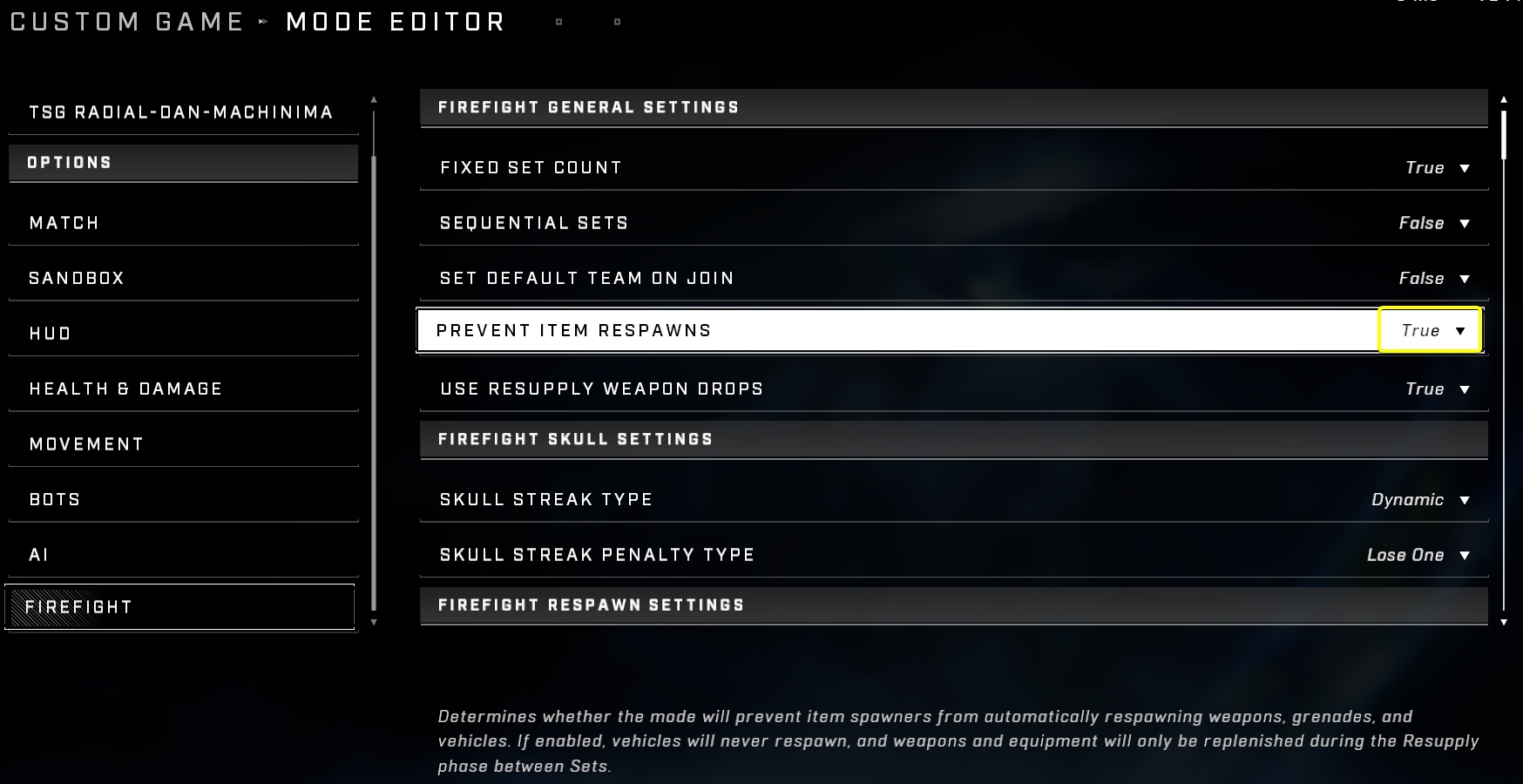
The functionality of the Pelican Drop is tied to internal events triggered by specific mode settings. In the Mode Editor, the **Firefight → Prevent Item Respawns** option must be set to **True**. Although this setting is typically used to prevent the automatic respawn of items, it is required for the Pelican Drop to function.
The Prevent Item Respawns setting must be enabled in the Mode Editor.
## Constraints and AI Behavior
### Pilot AI Characteristics
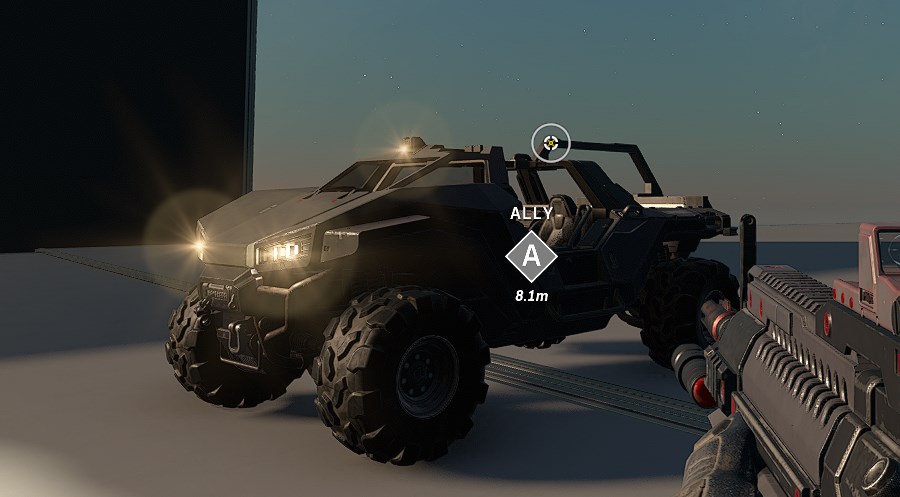
The Pelican is piloted by an invisible, frictionless AI entity that has no physical size but is still affected by gravity. This pilot cannot be removed from the vehicle through standard methods, such as flipping the vehicle. If the pilot AI is damaged or deleted, the Pelican vehicle will also be deleted.
The pilot of the Pelican is an invisible AI entity.
### Flight and Scripting Limitations
The Pelican Drop is designed to trigger at the start of gameplay; delaying or activating the drop via command is not currently possible. Furthermore, there are specific constraints regarding vehicle usage in different modes:
* **Firefight modes**: Attempting to pilot a Pelican using a vehicle type reference in Firefight modes will result in the pilot being automatically kicked out of the vehicle. Once this happens, the vehicle may become un-enterable via scripts.
* **BTB:Slayer**: Flying the Pelican vehicle is possible in BTB:Slayer on developer-made maps.
{% hint style="warning" %}
Attempting to pilot a Pelican in Firefight modes via a vehicle type reference will result in the pilot being automatically kicked out of the vehicle.
{% endhint %}
#### Scripting Note: Player Respawns
When using scripts to facilitate players entering a Pelican, players who have been revived in FFKOTH may encounter issues where they remain on a death screen. This occurs because internal scripting may not automatically unblock respawns after a player is revived. To resolve this, add an `Unblock Respawns For Player` node immediately after teleporting the player to ensure the "enter" sequence proceeds correctly.
***
## Source Data
* Discord thread: [Pelican Drops on Forge maps](https://discord.com/channels/220766496635224065/1210616741756014632/1210616741756014632)
#### Contributors
Okom\
thescriptinator