# Forge Basics and UI

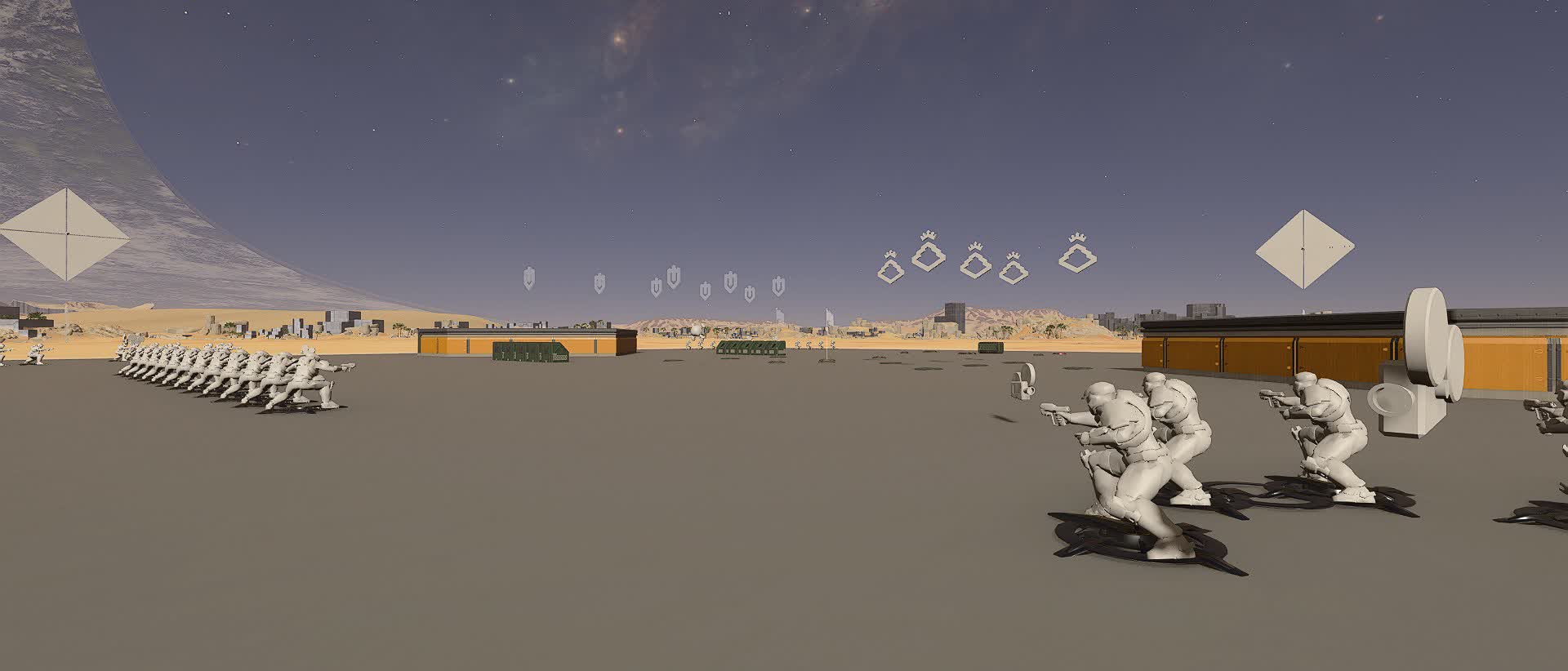
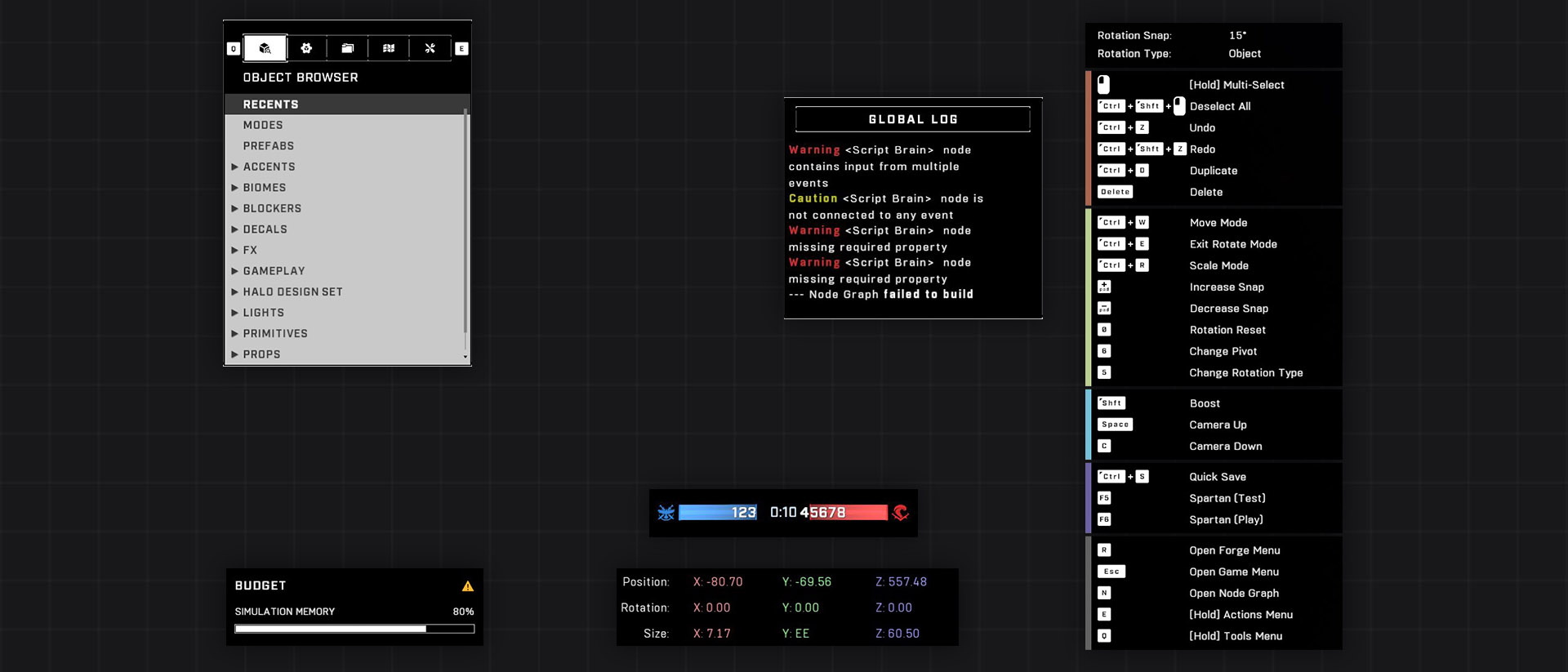
This section shows the basics of the Forge tool in Halo Infinite, what it's capable of and how it compares to previous Forge tools.

<figure><img src="/files/0EMR4Iayh1WSq38pN0Ul" alt="Forge icon on a grid"><figcaption></figcaption></figure>

## What is Forge?

Forge is a level editor for Halo. It started as a tool to move around objects on existing dev-made levels, but with Halo 5 and more recently Halo Infinite, the tool has grown to such complexity that parallels between other level editors like Unreal Engine 5 and Unity have been drawn with Forge. Read more about Forge's history on the [Halopedia article](https://www.halopedia.org/Forge).

## Halo Infinite's Forge

Halo Infinite's Forge is the most feature-rich and complex Forge in the Halo franchise. While this complexity opens up a myriad of never-before-seen possibilities with the tool such as object scaling, undo-redo possibility, detailed lighting adjustment and more, it has also turned away players who just want to mess around on Forge and create quick and fun experiences due to there being so much options now.

Halo Infinite is missing a surface-level editor such as the Forge from Halo 3 or Halo Reach, and instead 343 Industries have doubled down on a game-engine type level editor as the direction for Forge, which has caused an effect where many people don't want to invest a large chunk of their time learning all the intricacies of the new Forge tool just to be able to create a level.

{% hint style="info" %}
Halo Infinite's Forge tool has a lot of features, which has turned away some beginner Forgers. This effect is amplified by information about Halo Infinite's Forge not being readily available nor shared by 343 Industries, leading to information sharing being in the hands of the Forge community.
{% endhint %}

### Always Online

Anything that you do in Forge and want to be saved will be saved to 343's servers. Forge can be loaded in [via Custom Game](/knowledge/forge/exploits/forge-via-custom-game-ucn.md) or in [offline mode](/knowledge/forge/exploits/forge-via-custom-game-ucn.md#forge-offline), but saving of the map file is prevented in these modes. To learn more about managing your saved files, see [Metadata and File Management](/ugc/metadata-and-file-management.md).

## TSG Forge Wiki

The TSG Forge Wiki aims to help new and experienced forgers fill in the gaps of knowledge of the tool that using Halo Infinite's Forge is bound to cause. 343 Industries has not provided any official documentation of Halo Infinite's Forge tool nor it's features ever since the launch of Forge in November, 2022, so this community-based Wiki aims to provide that.

## Learn more about

<table data-view="cards"><thead><tr><th></th><th data-hidden data-card-cover data-type="files"></th><th data-hidden data-card-target data-type="content-ref"></th></tr></thead><tbody><tr><td>Loading Into Forge</td><td><a href="/files/7jv4EkYhrE2QOd17Fhoq">/files/7jv4EkYhrE2QOd17Fhoq</a></td><td><a href="/pages/UPzgSoaAbafkqB8z0qQv">/pages/UPzgSoaAbafkqB8z0qQv</a></td></tr><tr><td>Forge Interface</td><td><a href="/files/eqxnTrIwuKVxXhvCRUv7">/files/eqxnTrIwuKVxXhvCRUv7</a></td><td><a href="/pages/CN53N8vlr8Y7luWnW7nV">/pages/CN53N8vlr8Y7luWnW7nV</a></td></tr><tr><td>Controls and Shortcuts</td><td><a href="/files/kFsqDSFNa3XnlNitRwNU">/files/kFsqDSFNa3XnlNitRwNU</a></td><td><a href="/pages/THro9bbHV2KMoZFhddge">/pages/THro9bbHV2KMoZFhddge</a></td></tr><tr><td>Coordinate System and Spaces</td><td><a href="/files/kFsqDSFNa3XnlNitRwNU">/files/kFsqDSFNa3XnlNitRwNU</a></td><td><a href="/pages/RhBADDVjLjGvyREXzgpT">/pages/RhBADDVjLjGvyREXzgpT</a></td></tr><tr><td>Working with Objects</td><td><a href="/files/kFsqDSFNa3XnlNitRwNU">/files/kFsqDSFNa3XnlNitRwNU</a></td><td><a href="/pages/MvHGau7YwL7L8kT4VxWj">/pages/MvHGau7YwL7L8kT4VxWj</a></td></tr><tr><td>Editor Modes</td><td><a href="/files/kFsqDSFNa3XnlNitRwNU">/files/kFsqDSFNa3XnlNitRwNU</a></td><td><a href="/pages/ONFhO1J88XjC1N4PEdSH">/pages/ONFhO1J88XjC1N4PEdSH</a></td></tr><tr><td>Saving</td><td><a href="/files/kFsqDSFNa3XnlNitRwNU">/files/kFsqDSFNa3XnlNitRwNU</a></td><td><a href="/pages/bX3H7eVmdvoBhlWnYrOt">/pages/bX3H7eVmdvoBhlWnYrOt</a></td></tr><tr><td>Forge Terminology</td><td><a href="/files/kFsqDSFNa3XnlNitRwNU">/files/kFsqDSFNa3XnlNitRwNU</a></td><td><a href="/pages/2LjHtFHaFu8denvJeiXJ">/pages/2LjHtFHaFu8denvJeiXJ</a></td></tr></tbody></table>

***

#### <mark style="color:green;">Contributors</mark>

Okom


---

# Agent Instructions: Querying This Documentation

If you need additional information that is not directly available in this page, you can query the documentation dynamically by asking a question.

Perform an HTTP GET request on the current page URL with the `ask` query parameter:

```
GET https://wiki.thescriptersguild.com/forge/forge-basics-and-ui.md?ask=<question>
```

The question should be specific, self-contained, and written in natural language.
The response will contain a direct answer to the question and relevant excerpts and sources from the documentation.

Use this mechanism when the answer is not explicitly present in the current page, you need clarification or additional context, or you want to retrieve related documentation sections.